How to Download GPX Files from Strava
- Open your Strava account and navigate to the activity you wish to compare
- Scroll down to the map section of the activity
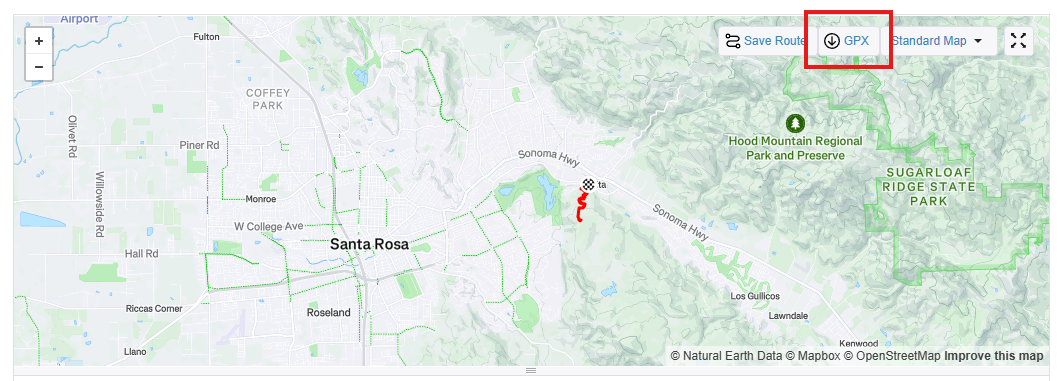
- In the top right of the map, there's a button with a download arrow that says "GPX" - press that button
- Save 2 different activities to your computer and use the input forms on this site to upload them
Note: We do not collect or save your GPX data. All processing happens locally in your browser.